How to reduce PDF file size
Is your PDF too big to email or upload to a form? Follow the 7 steps below; it takes about a minute. On screen this is called “compressing” the PDF.
Opened the link in Zalo, Facebook or another app? Open it in Chrome or Safari so the download works (how).
Steps
Step 1. Open the compress page
Press “Compress now” at the top of this guide, or go to pinchpdf.com/compress-pdf.
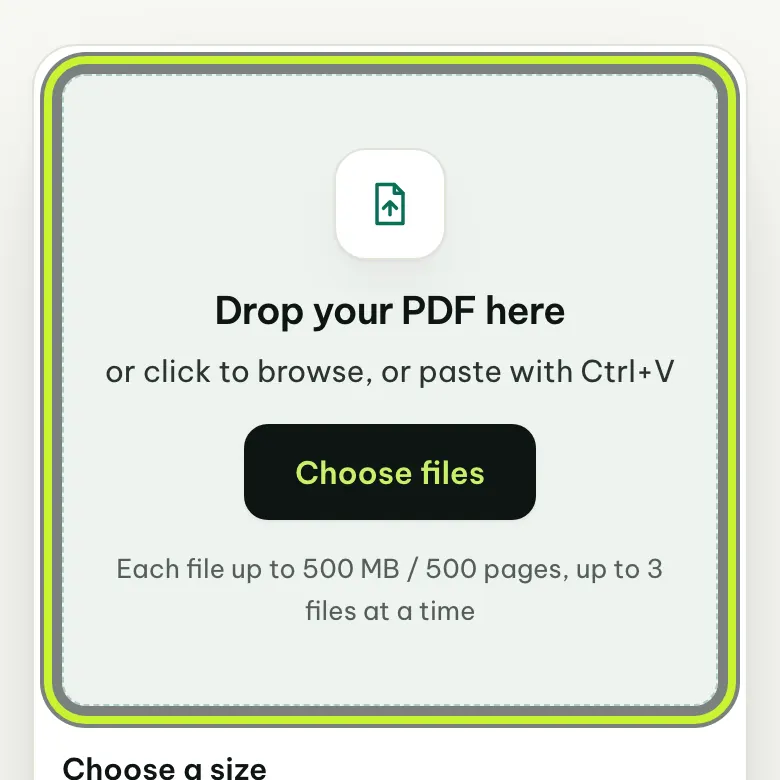
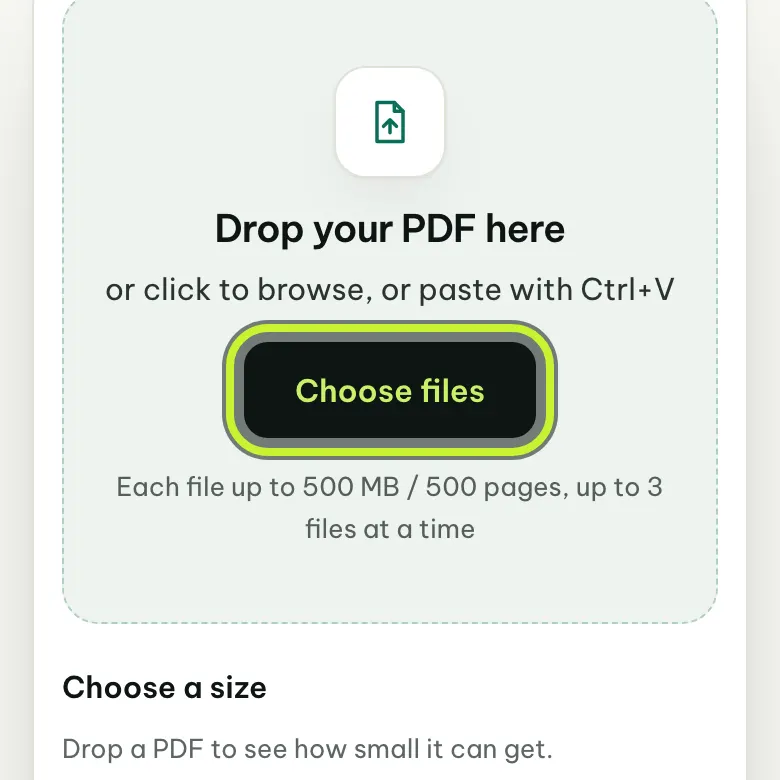
Step 2. Choose your file
Press “Choose files” and pick your PDF. On a computer you can also drag the file onto the box.
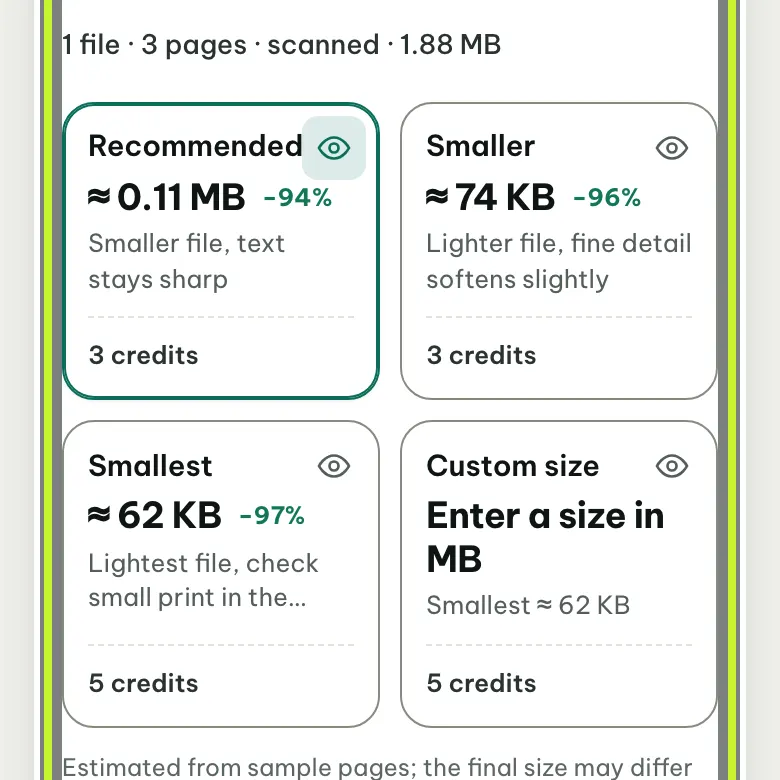
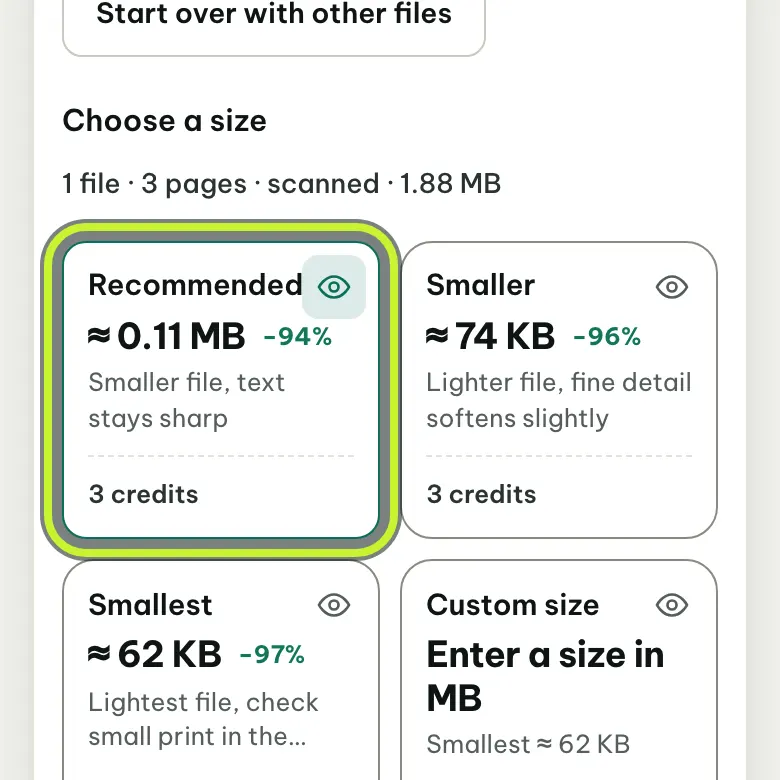
Step 3. Check the expected size
After a few seconds, each level shows the size after compressing and the credits it uses.
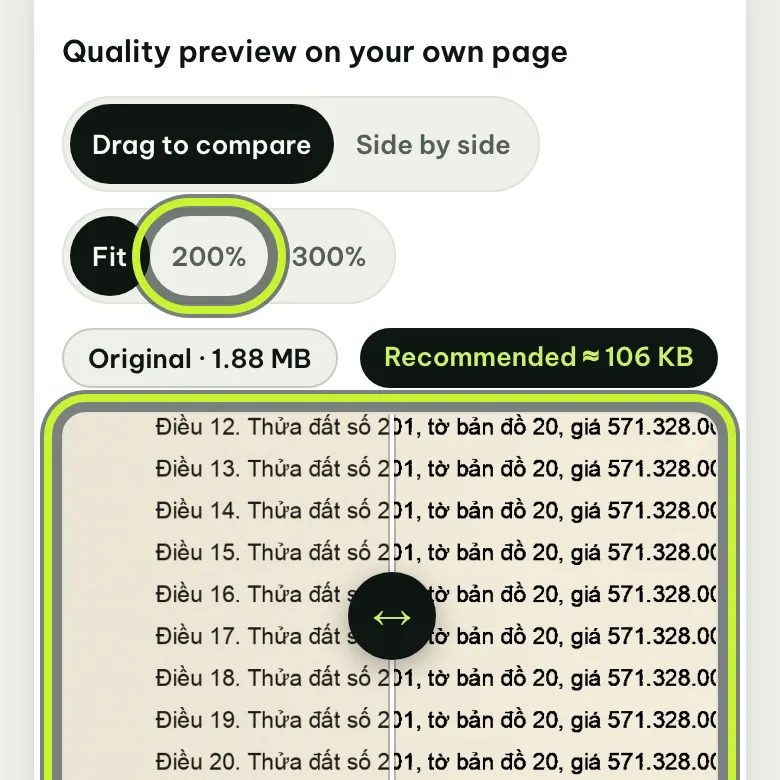
Step 4. Preview the quality
See part of a page from your own file, before and after.
- Drag the bar in the middle to compare.
- Press “Zoom” to check small text and stamps.
Step 5. Pick a level
- Recommended: clear text, right for most documents.
- Smaller: lighter still; small details get a little soft.
- Smallest: the lightest; preview small text first.
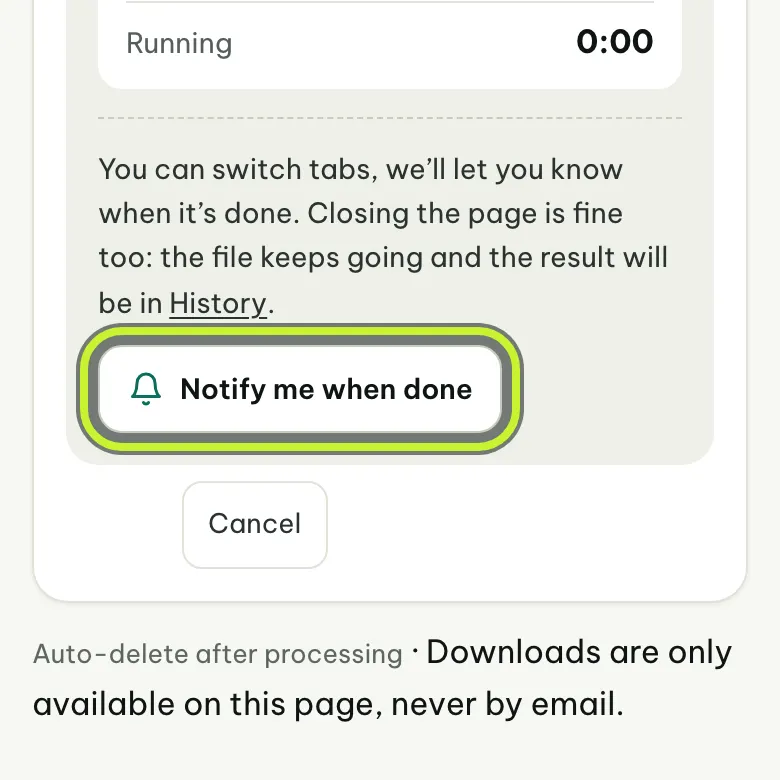
Step 6. Press “Compress PDF” and wait
To do something else, press “Notify me when done” and switch tabs; your browser tells you when it's ready.
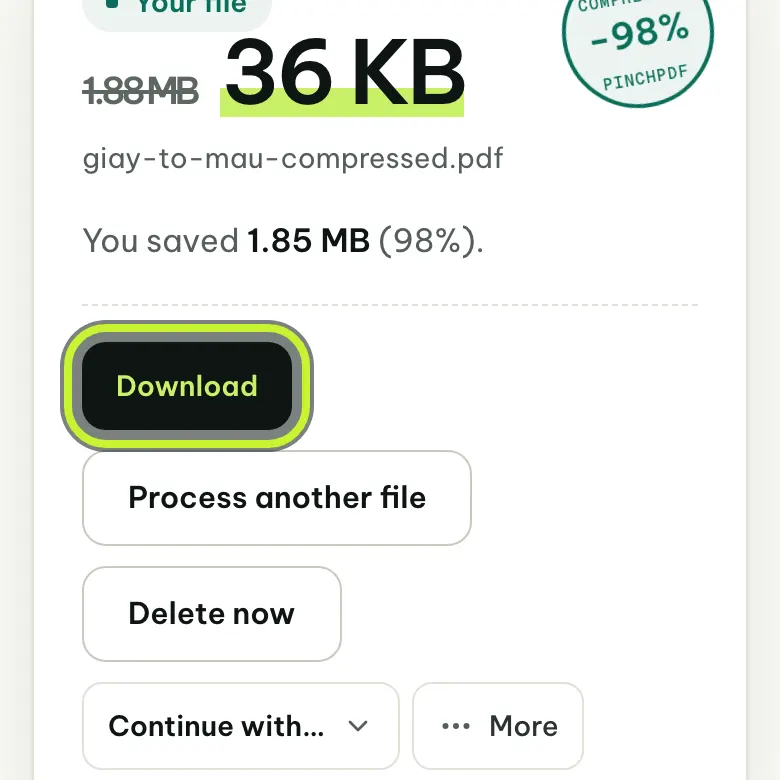
Step 7. Press “Download”
The page shows the new file size. Press “Download”.
- Computer: your Downloads folder.
- iPhone: the Files app, Downloads.
- Android: the Files app, Download folder.


Having trouble?
The file says “Digitally signed”
Compressing would break the digital signature, so the file can't be compressed directly. Compress the scan first and sign last. If you need to send the signed copy, keep the original file. More: Why signed PDFs can't be compressed.
Not enough credits
- New users get 20 credits. Compressing a file under 50 MB at Recommended uses 3 credits.
- You can claim 5 free credits once a day; the page shows when you can claim again. If you haven't claimed today's, they're added when you press “Compress PDF”. You can also claim them in your wallet.
- Need more? Buy credits on the Pricing page.
The file is still too big
- Choose the file again and pick Smaller or Smallest.
- If a form needs a file under a set size (for example 5 MB), choose “Custom size” and enter the size in MB.
- Still too big? Split it into several files with Split PDF.
Is the expected size exact?
It's an estimate from a few sample pages, so the real file may differ slightly. You only pay credits when you receive the file.
Pressed “Download” but can't find the file
- On iPhone, when the browser asks, tap Download. If the file opens for viewing instead, tap Share, then Save to Files.
- If you opened the page from Zalo or Facebook, reopen it in Chrome or Safari and download again (how).
Ready to try?
Open the compress tool, choose your file and follow the steps above.